According to recent e-commerce data, over 50% of independent print shops migrate their operations to larger platforms within their first three years just to survive scaling friction.
Moving your business to a more robust infrastructure is a major milestone, but doing it incorrectly can paralyze your entire supply chain.
If you are planning a POD store migration Shopify transition, you are likely looking for better app integrations, smoother checkout flows, and more reliable hosting.
If you are asking yourself, “Can I migrate my website to Shopify?” without losing your hard-earned progress, the answer is a resounding yes. However, a successful shopify store migration involves much more than just moving pictures and customer lists from one dashboard to another.
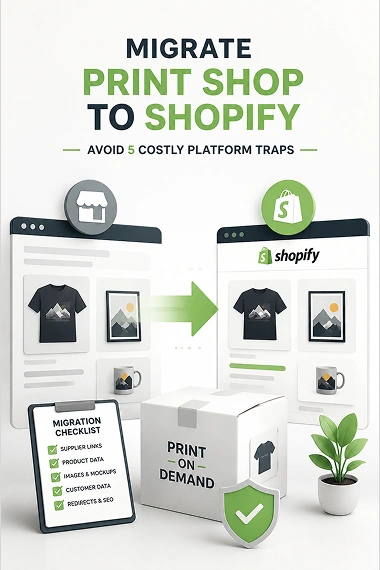
The reality is that a print-on-demand business relies entirely on background automation to stay profitable. When you decide to migrate print shop to Shopify, you are changing the underlying engine of your business.
This guide will expose the hidden technical traps that traditional e-commerce guides ignore, providing you with a step-by-step framework to transition seamlessly without losing your sales momentum.
You might be interested in:
Etsy to Shopify Migration – Move Your Print Shop in 12 Steps
Migrate WooCommerce Print Shop to Shopify with 5 Steps
Why Standard E-commerce Migration Guides Fail Print Shops
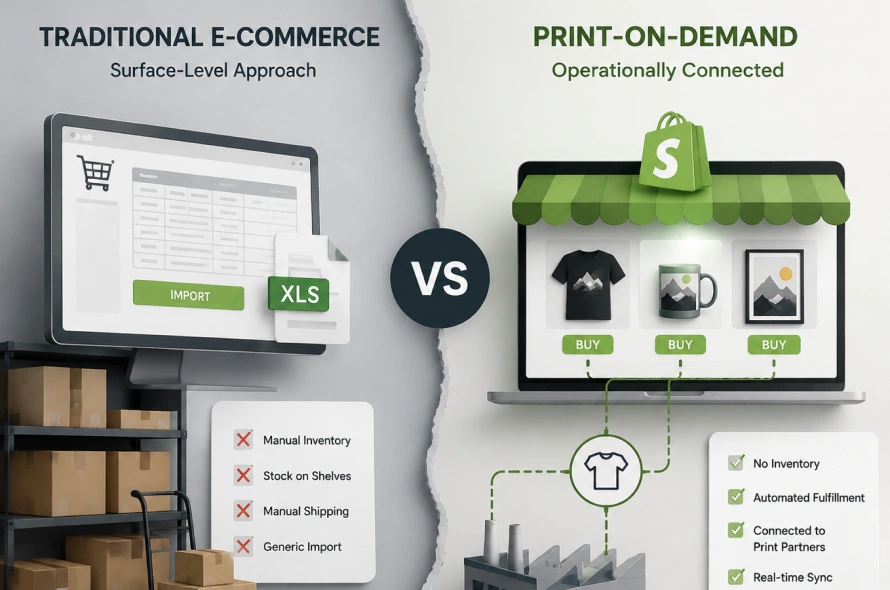
Most standard articles on the internet focus on simple retail setups where you buy inventory, stock it on shelves, and ship it manually. They will tell you to import products from your old dashboard via a generic spreadsheet and launch your site the very same day.
While this surface-level approach works perfectly for traditional stores, it completely misses the operational dependencies required to create a print on demand store successfully.
For an automated print shop, your website is only the front window; your backend is deeply tied to external printing factories.
If you are looking on Google for How to Move Your Print Shop to Shopify, you must realize that understanding these operational differences before you make the move is what separates a successful launch from an operational nightmare.
You Must Establish a Secure Foundation to Protect your Brand Assets.
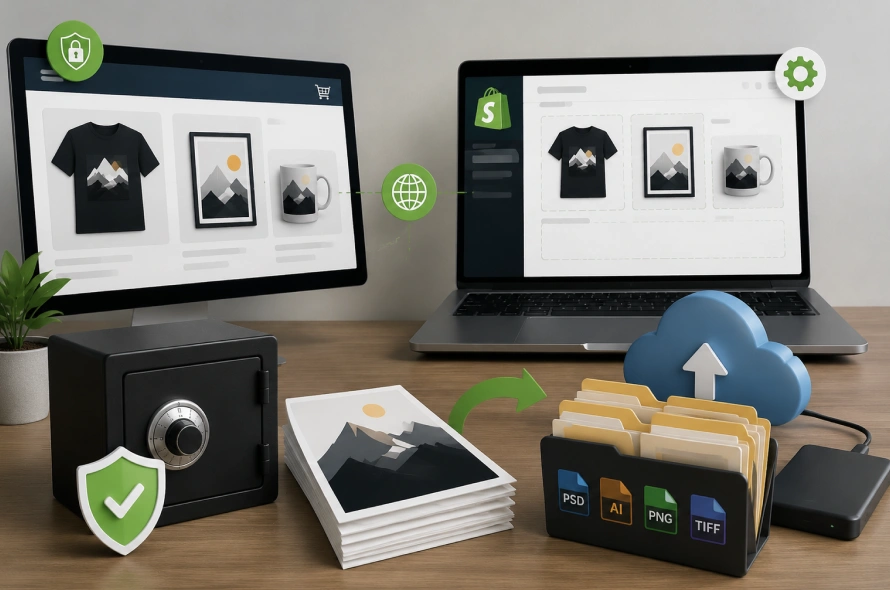
The first rule of a successful shopify migration project is to leave your custom domain exactly where it is until the new backend is fully ready. Moving your domain too early causes immediate website downtime, which stops active customers from buying and damages your brand trust.
Keep your live store running on its original platform while you build and test your new pages in the background.
Next, you need to conduct a thorough audit of your original high-resolution design assets. Many store owners who want to learn How to sell prints online make the mistake of assuming they can just download their artwork straight from their old website listings during the transition.
However, platforms compress images to optimize page speeds, meaning your uploaded files are often low-resolution thumbnails.
Gather your original, uncompressed print-ready files from your local drives or cloud storage, and organize them into clear folders before initializing your data export.
The 5 Hidden Traps of a POD Store Migration Shopify
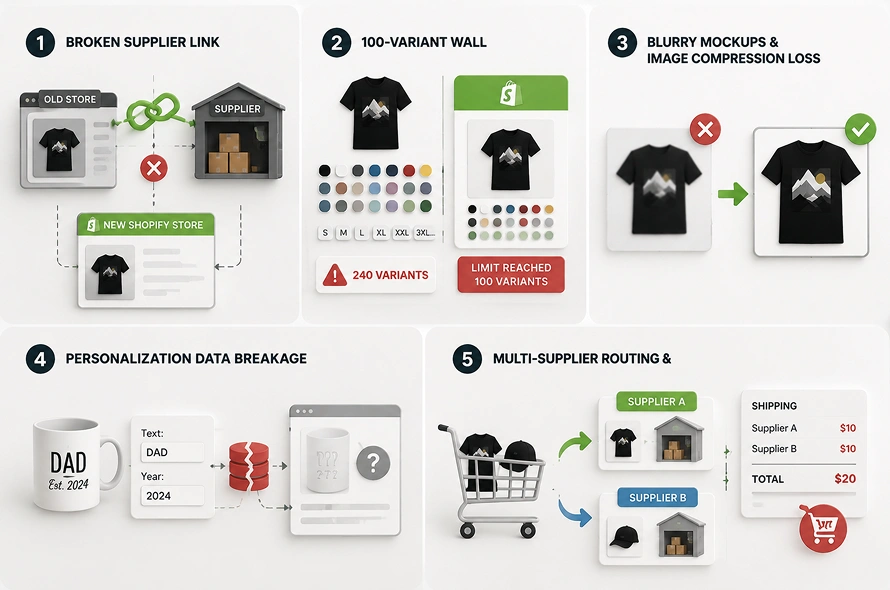
Avoiding common technical pitfalls requires a deep dive into how platform architectures communicate with your fulfillment partners.
Let us break down the five most dangerous traps that can disrupt your print shop during a platform switch.
1. The Broken Supplier Link (The Disconnected Supplier Problem)
The most frequent mistake during a migration is assuming that imported products remain connected to your production line. When you use automated tools to transfer your catalog, the item descriptions and images will appear perfectly on your new dashboard, but the background connection required to link your Shopify store to printful or your Shopify store to printify apps will be completely blank.
[Old Platform] —> Linked via API —> [POD Supplier Warehouse]
|
(Migration Cuts Link)
v
[New Shopify Store] – – – (Disconnected) – – -> [POD Supplier Warehouse]
To fix this issue, you must open your supplier’s official application inside your new store and utilize their product mapping interface. This tool scans your new catalog and allows you to manually re-link each variant to its corresponding print file. Ensuring an exact SKU matching setup across both dashboards is the absolute best way to guarantee your orders flow straight to production without manual data entry.
2. The 100-Variant Wall (The Hidden Limit Trap)
Many custom website platforms allow store owners to build massive product listings with endless options for sizes, colors, and cuts. For example, offering a single t-shirt design across ten colors, eight sizes, and three fabric types creates 240 unique product combinations on a single page.
This presents a massive roadblock because Shopify enforces a strict structural limit of 100 variants per individual product listing. If you perform a blind data import, any variants past the 100th mark will be permanently truncated, causing sizes like XL or XXL to vanish from your storefront. To bypass this restriction, you must split your complex listings into separate products by color before exporting, or install specialized third-party product options apps to handle large catalogs smoothly.
3. Blurry Mockups & Image Compression Loss
When you use a basic migration tool to copy your products over, the software simply copies the image source links from your old website. Because platforms like Etsy or Wix apply heavy image compression algorithms to save server space, those copied links carry low-quality visuals.
When these highly compressed graphics are placed onto a premium, high-resolution Shopify theme, your apparel items will look incredibly blurry and unprofessional. The correct strategy is to ignore the old image links completely during import; instead, use your supplier’s layout engine to generate fresh, high-definition product mockups and push them directly to your new listings.
4. Personalization Data Breakage (For Custom Name & Text Orders)
If your print business thrives on personalized orders—such as custom family names on mugs or custom text on hoodies—your migration requires extreme care. Traditional platforms store custom text inputs using disparate database structures that do not match Shopify’s core layout.
If you import these orders blindly, the historical record of what the customer actually wanted printed will be lost, making re-orders or customer service inquiries impossible to fulfill. To protect this sensitive data, you must map out your personalized fields using native Shopify Metafields or specialized customizer tools before migrating your active customer profiles.
5. Multi-Supplier Routing & Shipping Chaos
As a print shop grows, it is common to source different products from specialized vendors, such as apparel from a national supplier and embroidered caps from a regional facility.
[Customer Cart] —> Includes: 1 Shirt (Supplier A) + 1 Cap (Supplier B)
|
(Unconfigured Shipping)
v
[Checkout Page] —> Charges Double Shipping Fees ($10 + $10 = $20) —> Abandoned Cart
When this mixed data arrives on Shopify without configuration, the platform aggregates everything into a single, generic fulfillment pool. This confusion causes incorrect shipping calculations at checkout, often doubling the cost for the end user and leading to cart abandonment. You can prevent this operational mess by setting up independent Shopify Shipping Profiles and assigning specific inventory locations to each individual supplier warehouse.
Going Live Without Bleeding Sales
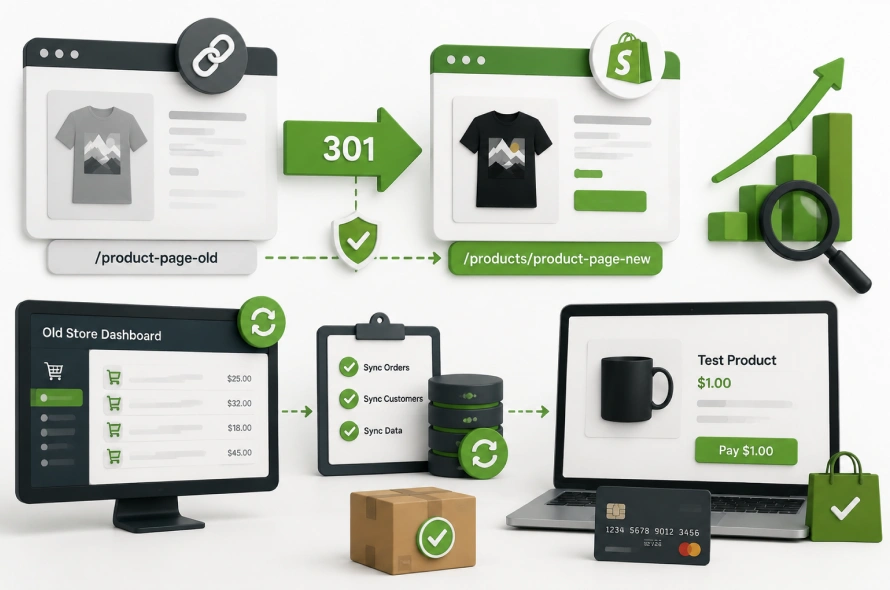
Once your products are perfectly mapped and your layouts look pristine, you must execute a clean launch strategy to protect your search engine rankings.
Changing your website platform fundamentally alters the underlying link ecosystem of your digital brand.
You must configure permanent 301 redirects within your navigation settings to map every old webpage URL directly to its new Shopify equivalent, ensuring you do not drop out of organic search results.
[Old URL: /product-page-old] ——–(301 Redirect)——–> [New URL: /products/product-page-new]
|
(Preserves SEO Ranking)
During this brief transition, some incoming orders might still land on your old platform’s dashboard. Keep a close eye on your old backend during this window, and execute a final, manual customer data sync to catch any late-registering transactions.
The absolute final step before opening your doors to the public is running a live transaction test. Set your payment processor to a live environment, create a hidden test product priced at one dollar, and complete a real purchase using a valid credit card.
Conclusion: Ready to Scale Your Print Business?
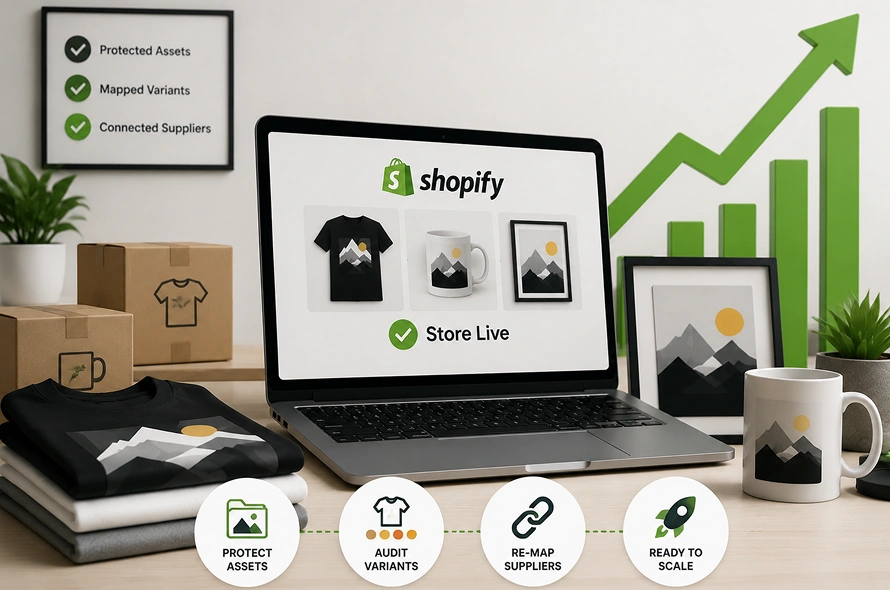
Executing a successful POD store migration Shopify journey requires moving past generic e-commerce advice and mastering your specific fulfillment workflows.
By protecting your design assets, auditing your variant structures, and re-mapping your supplier API pipelines, you ensure your automated production line remains unbroken.
If the technical side feels overwhelming, investing in professional shopify migration services can help you transition safely without any downtime.
Frequently Asked Questions (FAQs)
Will my customers lose their account passwords when I move to Shopify?
Yes, due to strict privacy laws and industry-standard encryption protocols, passwords cannot be exported from your old platform. When you import your customer list via a clean CSV file import, their profiles will be created as “Guest” accounts. You can easily resolve this by sending a polite, automated email broadcast through Shopify inviting your past buyers to activate their accounts and set a fresh password on your new, secure site.
How do I handle active gift cards or discount codes during a migration?
Standard database transfer tools generally do not support the automated migration of active gift balance histories or complex coupon frameworks. The most reliable method is to export an active discount ledger from your old system, write down the remaining balances, and manually recreate them as discount codes or custom gift vouchers within your Shopify dashboard before turning off your old site.
Can I migrate my store if I use a local, custom printing company without an app?
Absolutely. If your printing partner does not offer a dedicated Shopify application, you can still automate your fulfillment pipeline using modern workflow tools. You can set up an open-source automation engine like n8n workflows or use native webhooks to compile incoming order data into a formatted spreadsheet, which can then be automatically emailed to your custom printer every morning.
Will migrating my print shop affect my ongoing Facebook and Google pixel tracking?
Your tracking will experience a temporary data disconnect if you do not update your pixels during the launch phase. Because the checkout structure changes entirely when you switch systems, you must paste your existing tracking IDs directly into Shopify’s native data preferences panel.
How long should I keep my old website platform subscription active after launching?
It is highly recommended to keep your previous store dashboard active in a cancelled or “paused” state for at least 30 days post-launch.