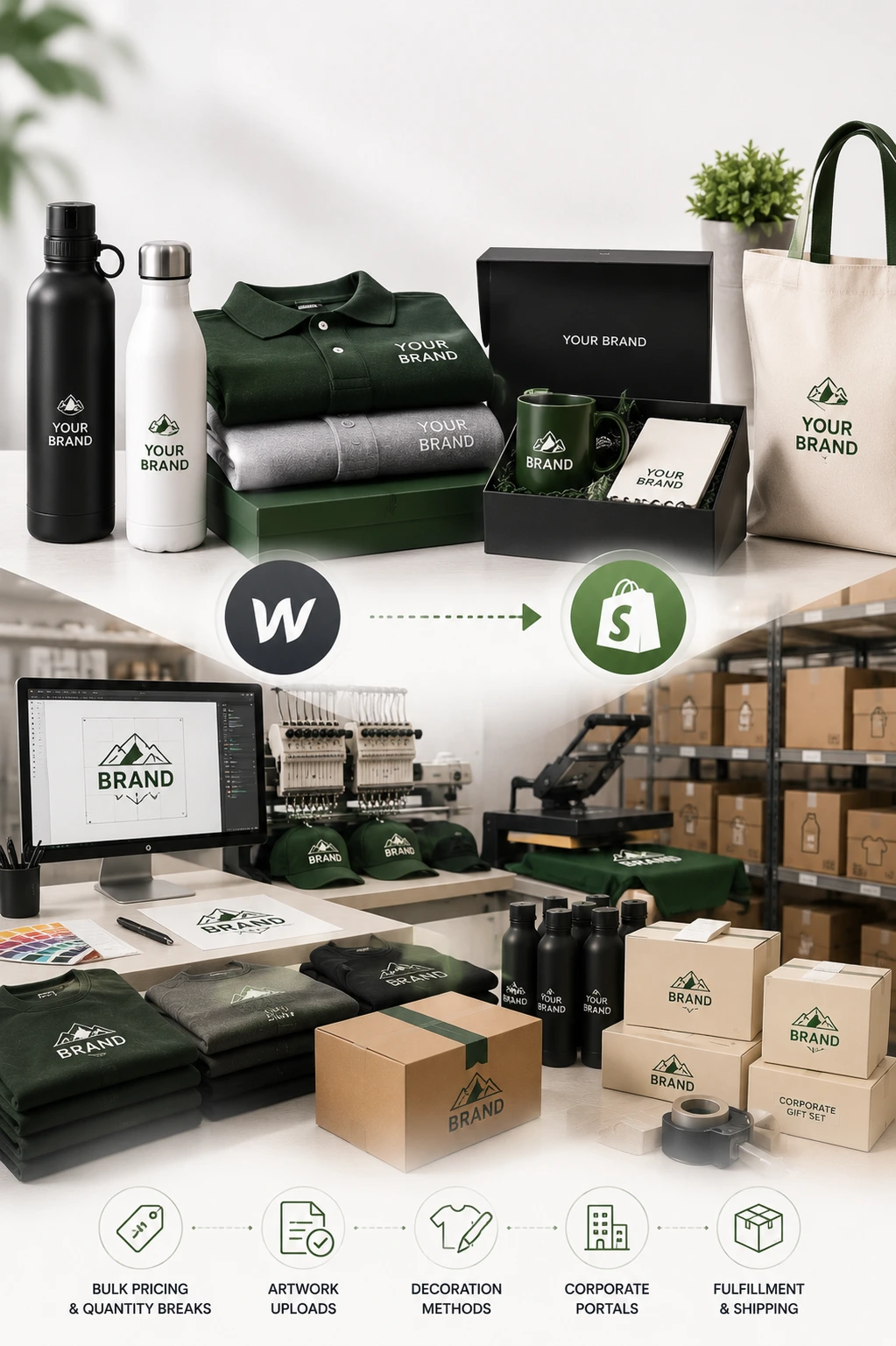
If you sell custom water bottles, embroidered polos, or branded corporate gift boxes, you already know the dirty secret nobody tells you before you build a store on Webflow: it’s gorgeous for landing pages and absolutely brutal for real promo product operations.
A Webflow to Shopify migration isn’t a trend for custom swag suppliers right now, it’s a survival move.
This guide walks you through exactly why promotional product distributors outgrow Webflow, what the real migration process from Webflow to Shopify looks like, and why the automated tools everyone recommends will quietly wreck your bulk pricing logic before you even notice.
You might be interested in:
How to Choose a Shopify Migration Agency (2026 Guide)
How Much Does Shopify Migration Cost? (2026 Guide)
Why Promo Product Brands Outgrow Webflow
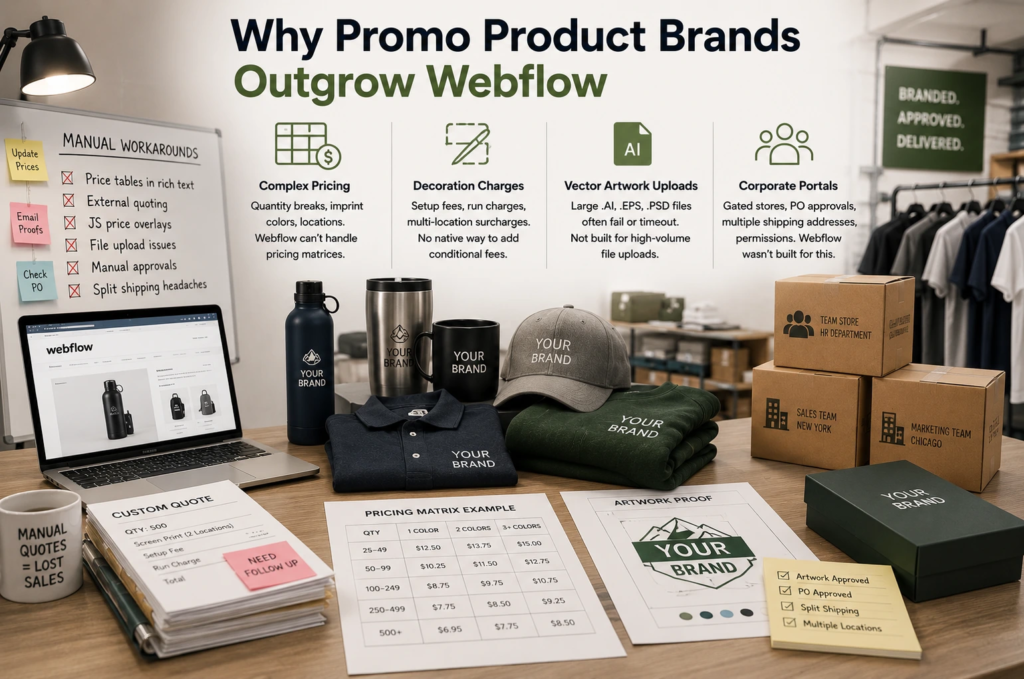
Most generic guides on how to migrate a Webflow shop website to Shopify assume you’re selling a single t-shirt in three sizes. That’s not your business. You’re managing quantity price breaks, decoration methods, artwork proofs, and corporate team stores with pre-approved purchase orders, and Webflow’s commerce engine was never built for any of it.
That gap is exactly why a proper Webflow to Shopify migration matters so much more for this industry than for a standard retail store.
Here’s where it actually breaks down.
The Matrix Pricing Nightmare
In the promo industry, price isn’t fixed. It’s tiered by quantity. Fifty custom water bottles might run $12 each, while five hundred drop to $7 each. Add a second variable like imprint color count or decoration location, and you get a full pricing matrix, not a simple price field.
Webflow’s variant and CMS structure simply wasn’t designed to hold this kind of layered logic. You end up duct-taping price tables into rich text fields or building janky JavaScript overlays that break every time you update a product.
When you complete a Webflow to Shopify migration, this is the first pain point that gets solved. Shopify’s metafields and industry-specific bulk pricing apps let you build clean, scalable quantity-break pricing that updates in seconds instead of requiring a developer every time a supplier changes cost.
Setup Fees and Decoration Method Charges
A promo product isn’t just “bought.” It’s decorated. Screen printing, laser engraving, embroidery, and pad printing each come with their own setup fee, run charge, and sometimes a multi-location surcharge if the client wants a logo on the sleeve and the chest.
Webflow has no native way to layer conditional fees onto a base product price. Distributors typically resort to manual quoting outside the cart, which kills conversion and adds friction your buyers don’t have patience for.
On Shopify, these decoration-specific charges can be mapped as structured line items tied to product options, so a customer selecting “embroidery, 2 locations” sees the correct total automatically, no back-and-forth email required.
Vector Artwork Uploads (.AI, .EPS) at Checkout
Your buyers aren’t uploading a JPEG of a cat. They’re uploading heavy vector files (.AI, .EPS, sometimes multi-layer .PSD) because that’s what your print shop or embroidery digitizer needs.
Webflow’s native form uploads are fine for a resume PDF, but they were never stress-tested for large vector files at checkout scale, and they tend to choke, time out, or silently fail during high-volume ordering periods.
This is one of the most underrated reasons custom merch brands pursue a Webflow to Shopify migration. Shopify’s file handling infrastructure is simply more robust for this exact use case, and a proper migration modernizes the artwork upload experience so buyers can attach print-ready files directly in the checkout flow without losing them.
Corporate Portals and Team Stores
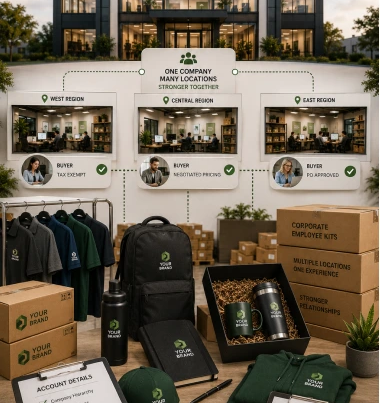
A huge share of promo distributors run gated team stores for corporate clients, think HR departments buying branded onboarding kits, or sales teams ordering swag under one master account.
These setups usually involve pre-approved POs, split shipping to multiple offices, and account-level permissions that Webflow’s CMS was never architected to support at scale.
Migrating this correctly means more than copying pages. It means the underlying data structure (customer tags, company hierarchies, PO approval logic, shipping splits) has to be rebuilt so it functions identically, or better, on the new platform.
Why Shopify Solves What Webflow Can’t
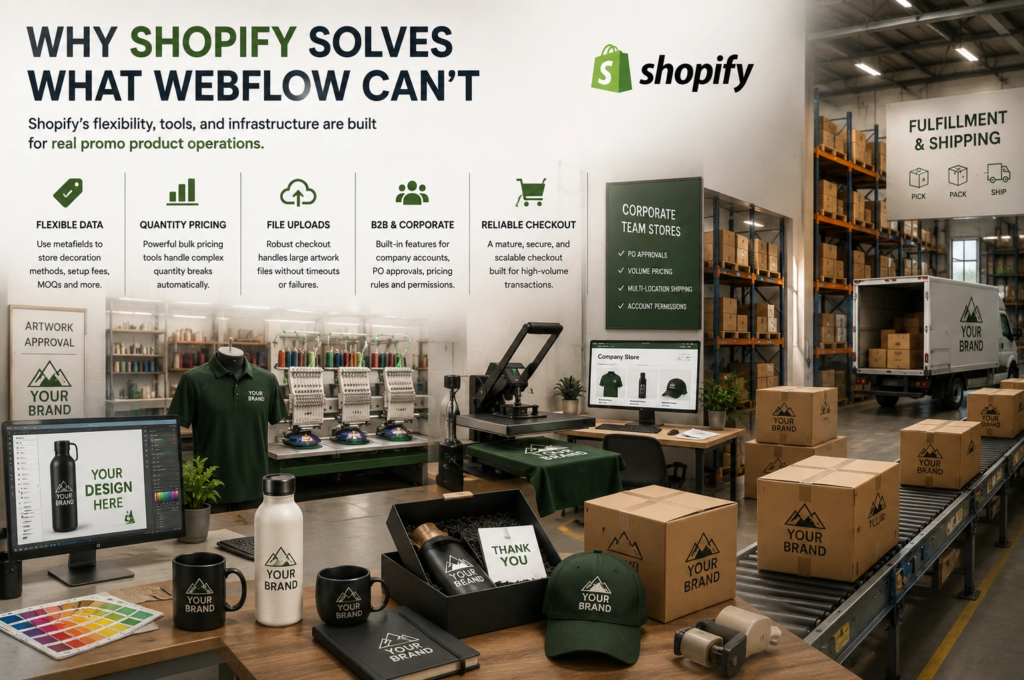
Shopify wasn’t built for promo specifically, but its extensibility is what makes it work. Metafields let you attach structured, custom data to every product (decoration methods, setup fees, minimum order quantities).
Its native app ecosystem includes tools purpose-built for quantity-break pricing and B2B wholesale logic. And its checkout and file-handling architecture is simply more mature for high-volume, file-heavy transactions than anything Webflow’s e-commerce layer offers.
That said, Shopify only delivers on this potential if the underlying Webflow to Shopify migration is done with real understanding of promo product logistics, not a generic lift-and-shift.
The Real Migration Process from Webflow to Shopify
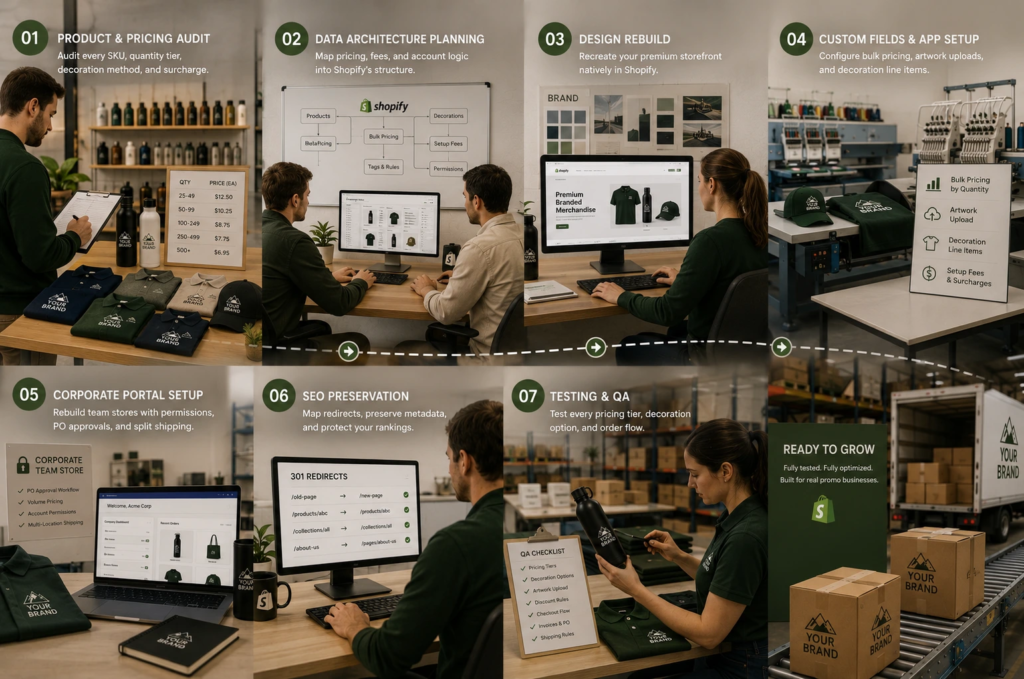
Here’s what a proper, structured Shopify migration actually involves for a promo or custom merch brand:
- Full product and pricing audit. Every SKU, every quantity-break tier, every decoration surcharge gets mapped out before anything moves.
- Data architecture planning. Deciding how tiered pricing, setup fees, and corporate account logic will live in Shopify’s metafields, tags, and app structure.
- Design rebuild. Recreating your premium Webflow storefront aesthetics natively in Shopify’s theme framework, with no compromise on the visual polish you’ve already built.
- Custom field and app configuration. Setting up bulk pricing apps, artwork upload flows, and decoration-method line items so the buying experience actually reflects how promo products are sold.
- Corporate portal reconstruction. Rebuilding gated team stores with correct account permissions, PO approval flows, and split-shipping rules.
- SEO preservation. Mapping redirects, preserving metadata, and protecting the organic rankings you’ve already earned during the switch.
- Testing and QA. Running real test orders through every pricing tier and decoration path before go-live, not just checking that pages load.
Why Automated Tools Quietly Wreck Promo Stores
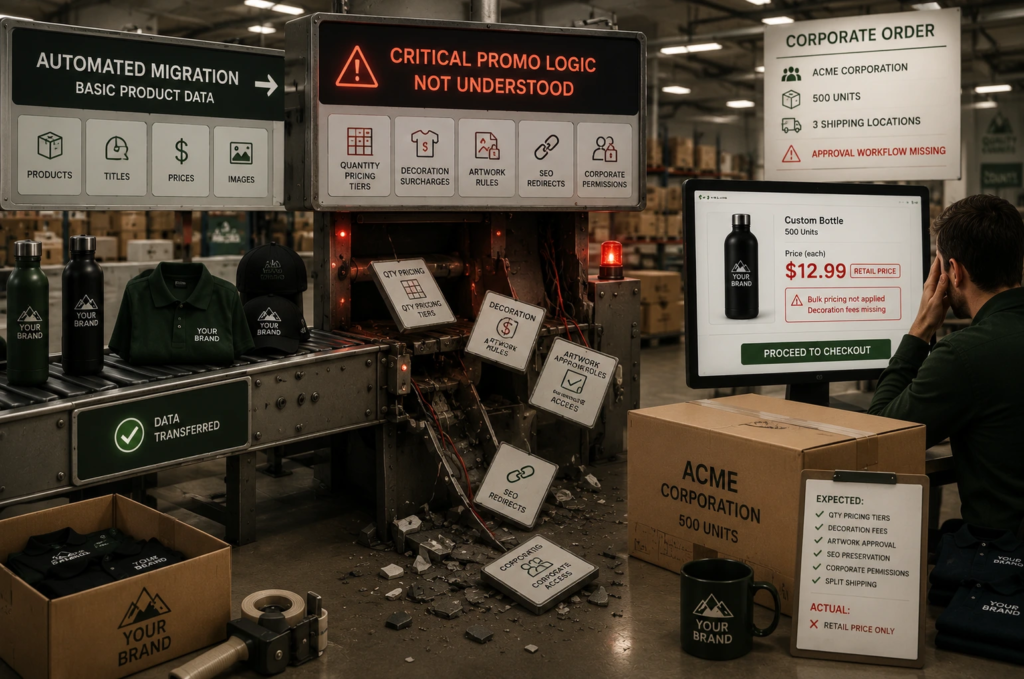
It’s tempting to reach for a CSV export or a connector tool like Udesly or Shopyflow and call the migration process from Webflow to Shopify done in an afternoon. For a simple retail store, that might even work.
For a promo product catalog, it almost never does. These tools are built to move flat product data: a name, a price, a few images. They have no concept of a quantity-break pricing matrix, a decoration surcharge, or a corporate account hierarchy. Run your catalog through one, and you’ll likely find your bulk pricing logic flattened into a single static price, your SEO structure scrambled by broken redirects, and your team store permissions gone entirely.
You won’t notice the damage until a corporate client tries to place a 500-unit PO and the system quotes retail pricing.
This is precisely why an eCommerce migration services approach built around manual, expert-led data handling matters so much more for this industry than it does for a generic retail shop.
How Swishtag Handles This the Right Way
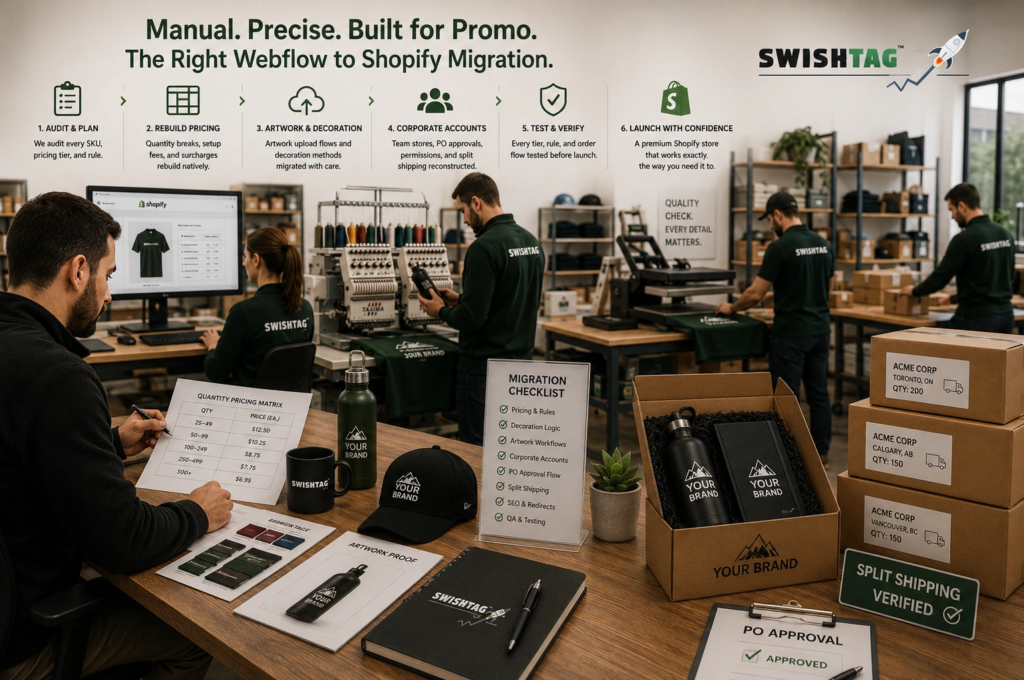
Swishtag specializes in exactly this problem: custom, manual Shopify migration for promotional product and corporate swag brands moving off Webflow.
Rather than running your catalog through a generic connector, our team manually audits your pricing matrices, rebuilds your decoration and setup-fee logic natively in Shopify’s architecture, migrates your artwork upload workflows, and reconstructs your corporate team stores so purchase orders and split shipping keep working exactly as they should.
We also rebuild your premium Webflow design natively on Shopify, so you keep the aesthetic you worked hard on, without the backend limitations that pushed you to migrate in the first place.
If you’re ready to complete your Webflow to Shopify migration without gambling your bulk pricing, artwork workflows, or corporate accounts on an automated tool, our team can walk you through the process step by step.
Explore Swishtag’s Custom Shopify Migration Service →
Frequently Asked Questions
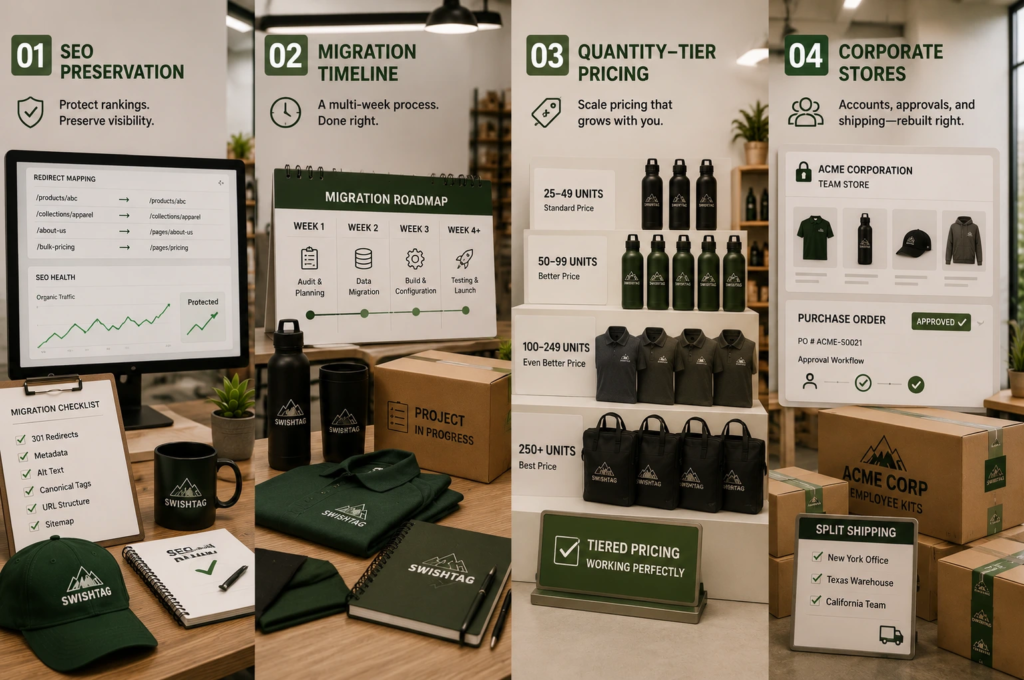
Is it possible to migrate a Webflow shop website to Shopify without losing SEO rankings? Yes, but it requires careful redirect mapping, metadata preservation, and URL structure planning during migration. Automated connectors typically handle this poorly.
How long does a full Webflow to Shopify migration take for a promo product catalog? It varies by catalog size and complexity, but a manual Webflow to Shopify migration that properly handles tiered pricing, decoration logic, and corporate portals generally takes longer than a generic store migration. Expect a multi-week timeline rather than a weekend job.
Can Shopify actually handle quantity-tiered promo pricing natively? Not entirely out of the box, but with metafields and the right industry-specific apps, Shopify can support scalable quantity-break pricing far more cleanly than Webflow ever could.
Do I need to rebuild my corporate team stores from scratch? Not if the migration is done properly. The underlying account structure, PO approval flow, and split-shipping logic can be rebuilt to function the same way, or even better, on Shopify.
Final Words
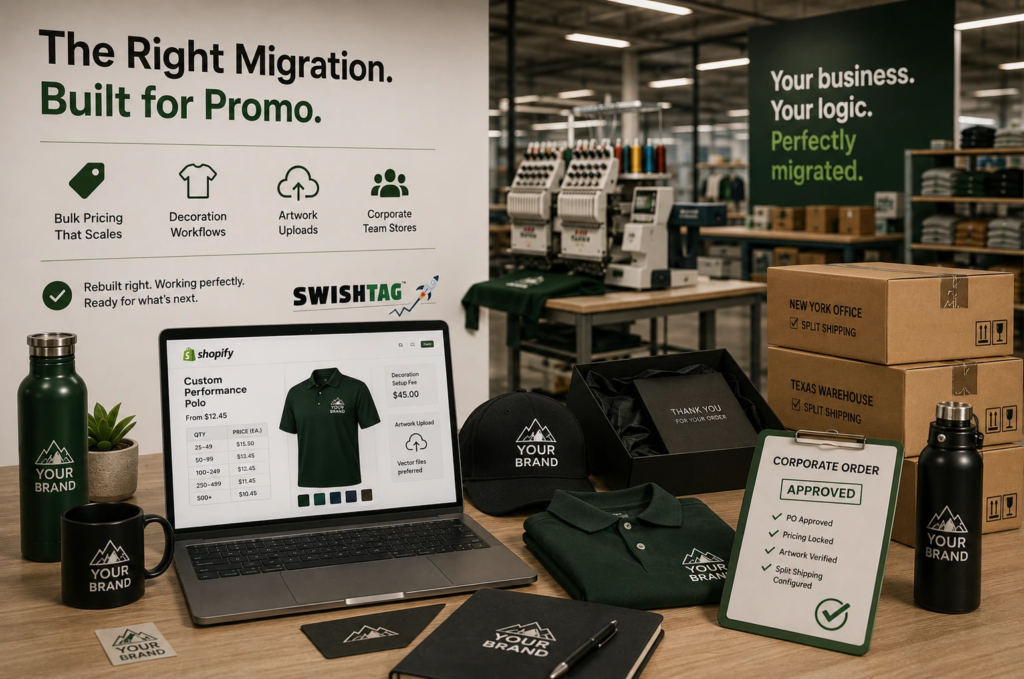
A Webflow to Shopify migration is never just a platform swap for promo product and custom swag brands. Your business runs on quantity-tiered pricing, decoration setup fees, vector artwork uploads, and gated corporate portals, none of which survive a generic CSV export or plug-and-play connector intact.
Treating this migration as a technical rebuild, not a copy-paste job, protects the revenue-critical logic you’ve spent years refining.
The real question isn’t whether Shopify can handle your promo business. It’s whether your migration partner understands bulk pricing, decoration workflows, and B2B team stores well enough to rebuild them correctly the first time. That’s the gap Swishtag exists to close.