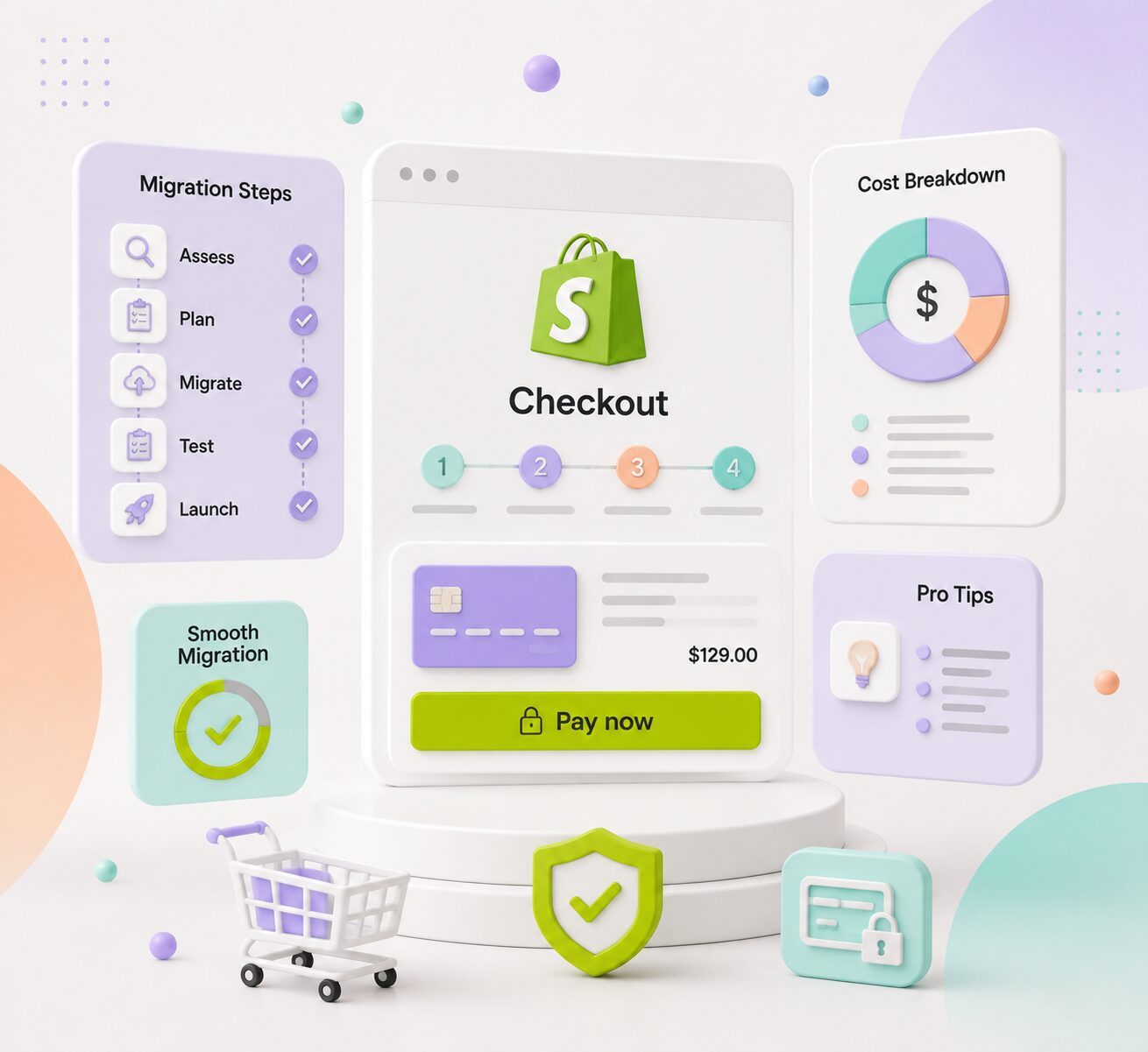
Shopify checkout migration is the process of moving a store away from the old checkout.liquid system to Shopify’s new Checkout Extensibility framework.
For most stores, this means learning how to migrate checkout.liquid customizations into supported, app based tools. If you run a Shopify store that still relies on custom checkout.liquid code, this migration is not optional anymore.
Shopify has already retired parts of the legacy system, which means checkout migration for Shopify stores is now an active business requirement, not something to plan for later.
This migration guide walks through everything you need to know, from what Checkout Extensibility actually is, to the full migration process, common mistakes, testing steps, and cost expectations.
It is written for merchants, store owners, and developers who need a clear, practical roadmap rather than a surface level overview.
You might be interested in:
Shopify Customer Migration for B2B & Promo Brands
Shopify SEO Migration Guide 2026: Protect Your Rankings
What Is Shopify Checkout Extensibility?
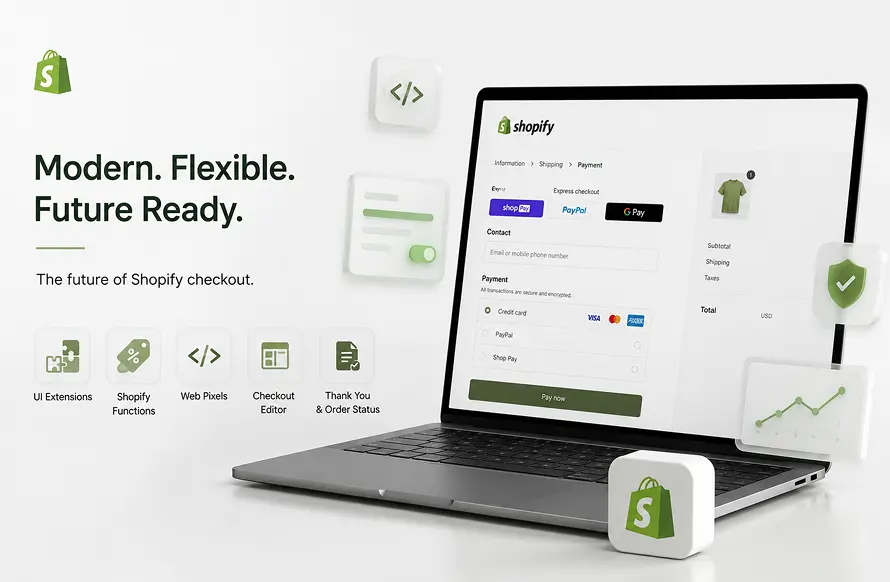
Shopify Checkout Extensibility is the modern framework that replaces checkout.liquid. Instead of editing raw Liquid and JavaScript files, merchants and developers now build checkout customizations using a set of structured, app based tools.
This changes the entire Shopify checkout process, making it faster, more secure, and easier to maintain long term.
The main building blocks of Checkout Extensibility include:
- Checkout UI Extensions, which let developers add custom sections, banners, or fields to checkout without touching core code
- Shopify Functions, which handle backend logic such as custom discounts, shipping rules, and payment method rules
- Web Pixels, which manage tracking and analytics scripts in a safer, sandboxed environment
- Checkout and Accounts Editor, a visual tool for adjusting checkout layout and branding
- Thank You and Order Status pages, which now support extensions instead of legacy script injections
Shopify recommends these tools because they are sandboxed, version controlled, and built to survive future platform updates. Legacy checkout.liquid customizations, on the other hand, can break every time Shopify updates its checkout.
Why Shopify Checkout Migration Is Important
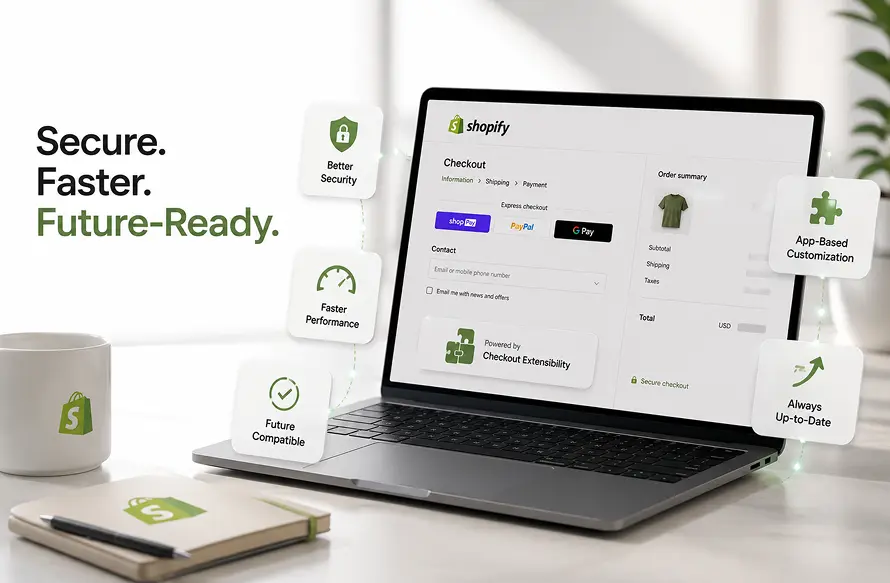
Shopify has already deprecated checkout.liquid for the Information, Shipping, and Payment pages. This is not a future warning, it has already happened for many stores. Any merchant still running old checkout scripts is operating on borrowed time.
There are several reasons this migration matters right now.
Deprecation of legacy scripts. Checkout.liquid and older checkout scripts are being phased out, and unsupported code can stop working without notice.
Better security. Checkout Extensibility runs in a more controlled environment, reducing the risk of scripts interfering with sensitive payment data.
Faster performance. The new checkout loads faster because it avoids the overhead of older, script heavy customizations.
Future compatibility. Migrating now means your store stays compatible with upcoming Shopify checkout upgrade releases instead of falling behind.
Safer app based customization. Apps built for Checkout Extensibility are reviewed and sandboxed, which lowers the risk of one app breaking another.
Shopify Checkout Settings Audit Before Migration
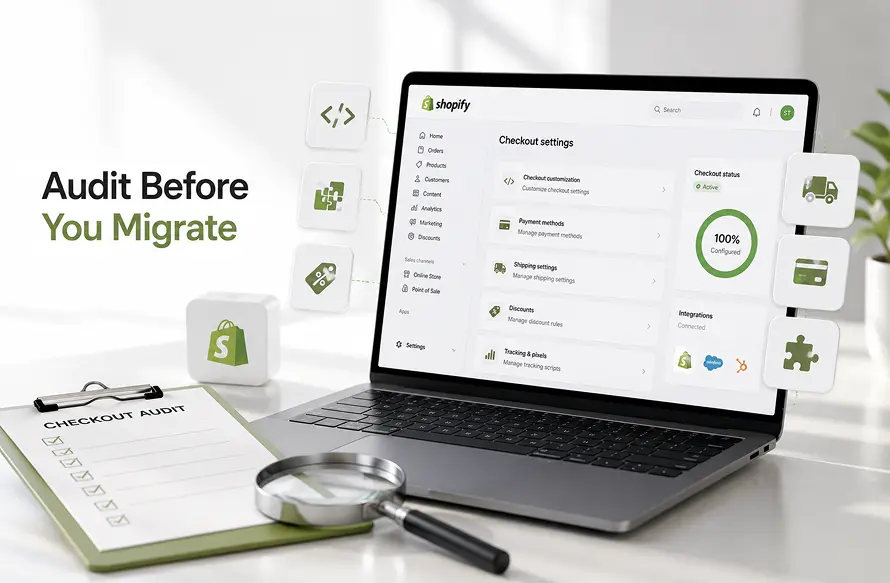
Before starting any migration work, audit your existing Shopify checkout settings thoroughly. Skipping this step is one of the most common reasons migrations run into problems later.
Your audit should cover:
- Existing checkout.liquid customizations and custom code
- Additional scripts injected into checkout pages
- Tracking pixels and analytics tags
- Custom fields collected during checkout
- Upsells and cross-sells shown at checkout
- Active discount rules and promotions
- Shipping rules and delivery restrictions
- Payment rules, including hidden or conditional methods
- Third-party checkout apps currently installed
- ERP, CRM, and analytics integrations connected to checkout
Document everything before you touch a single setting. This list becomes your migration checklist for the steps that follow.
Shopify Checkout Migration Process: Step by Step
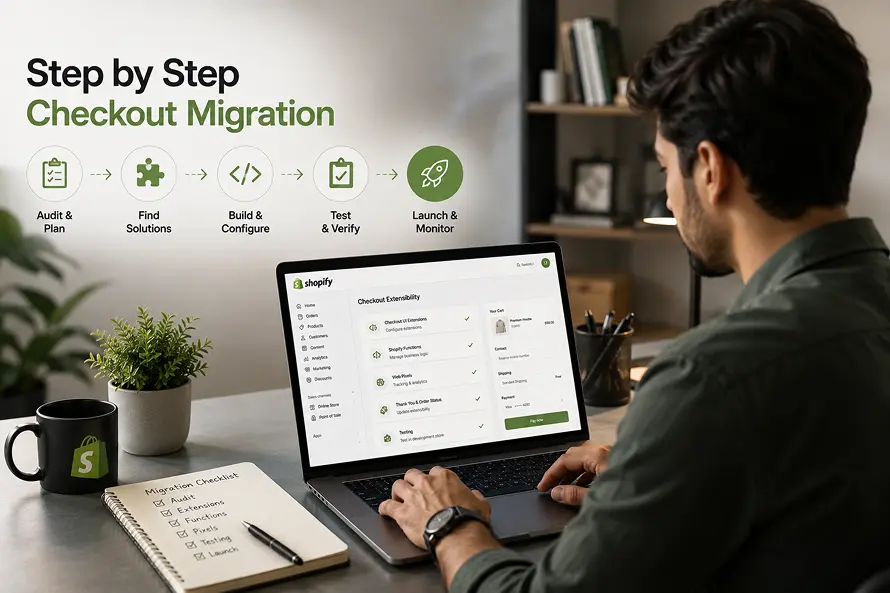
Once your audit is complete, the actual migration for Shopify checkout can begin. Here is the full process, in order.
- Review your audit results and group customizations by priority, separating must haves from nice to haves.
- Identify compatible apps and extensions in the Shopify App Store that already replicate your existing functionality.
- Find alternatives for unsupported custom code that cannot be directly ported over.
- Configure Checkout UI Extensions to rebuild custom fields, banners, or layout changes.
- Migrate business logic using Shopify Functions, particularly for discounts, shipping, and payment rules.
- Move tracking scripts to Web Pixels so analytics and conversion tracking continue working correctly.
- Update Thank You and Order Status pages using supported extension points instead of old script injections.
- Test everything in a development or staging environment before touching your live store.
- Publish the new checkout configuration once testing is complete and stable.
- Monitor performance after launch, watching for tracking gaps, broken flows, or customer complaints.
Following this order reduces the chance of missing a critical piece of functionality during your Shopify checkout migration.
What Can Be Migrated and What Needs Rebuilding
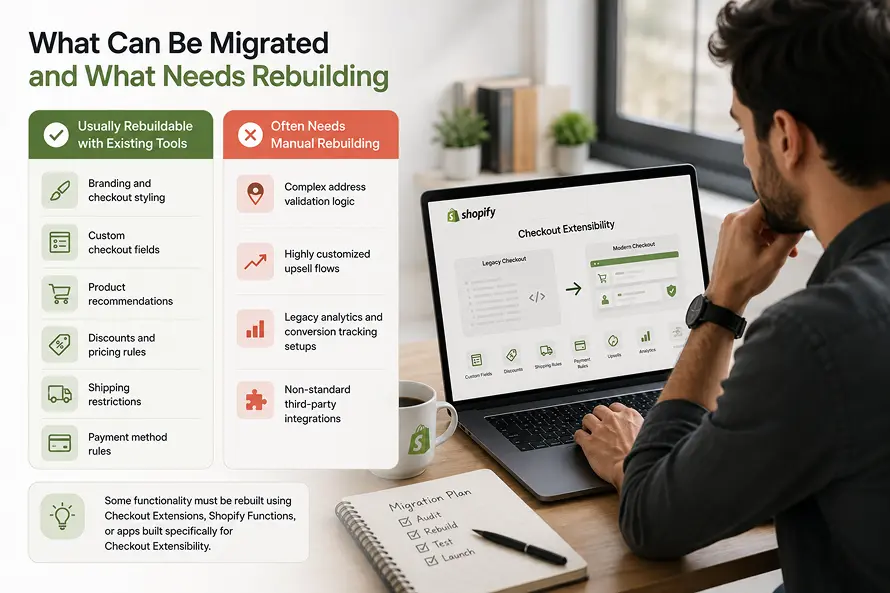
Not everything transfers automatically. Old Liquid or JavaScript code cannot simply be copied into the new checkout, so it helps to know what survives the move and what requires rebuilding through checkout customization tools.
Usually rebuildable with existing tools:
- Branding and checkout styling
- Custom checkout fields
- Product recommendations
- Discounts and pricing rules
- Shipping restrictions
- Payment method rules
Often needs manual rebuilding:
- Complex address validation logic
- Highly customized upsell flows
- Legacy analytics and conversion tracking setups
- Non-standard third-party integrations
Some of this functionality must be rebuilt using Checkout Extensions, Shopify Functions, or apps built specifically for Checkout Extensibility. Trying to force old code into the new system usually fails.
Shopify Plus vs Standard Plans for Checkout Customization

Not every store has the same level of access to checkout customization tools.
On standard Shopify plans, merchants can use most Checkout UI Extensions, Web Pixels, and basic Shopify Functions for things like simple discounts. This covers a large share of everyday checkout customization needs.
Shopify Plus unlocks additional capabilities, including more advanced Shopify Functions, deeper checkout branding controls, and higher limits on custom logic. If your store needs highly specific shipping rules, complex B2B checkout logic, or multiple custom validation rules, Shopify Plus becomes necessary. Smaller stores with simpler checkout needs can often complete migration fully on a standard plan.
Common Shopify Legacy Checkout Migration Problems
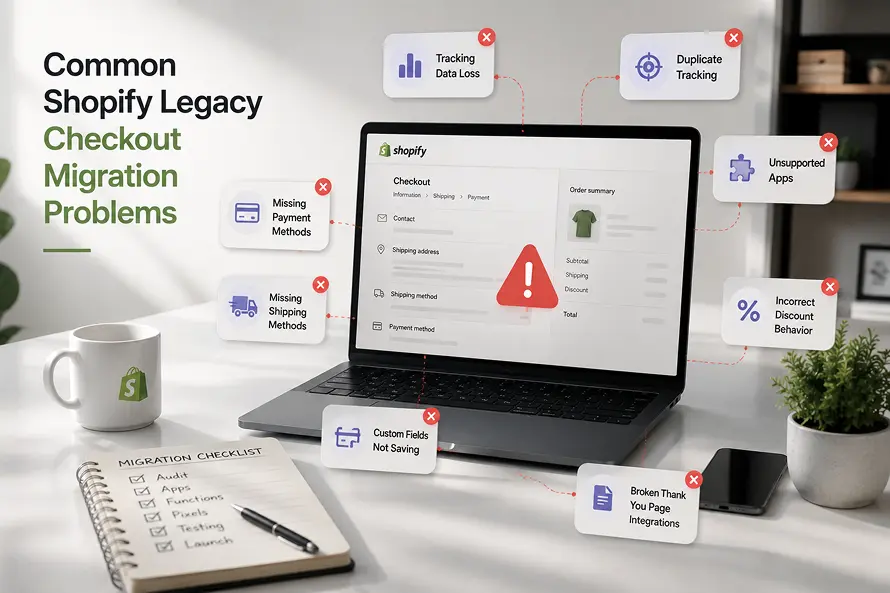
Even a well planned Shopify checkout customization project can run into issues. Common problems include:
- Tracking data loss, usually from pixels that were not properly rebuilt with Web Pixels
- Duplicate tracking pixels or events, which inflate analytics numbers
- Unsupported apps that were never updated for Checkout Extensibility
- Incorrect discount behavior, often from logic that was not fully migrated to Shopify Functions
- Missing shipping or payment methods caused by incomplete rule migration
- Custom fields not saving correctly after moving to Checkout UI Extensions
- Broken Thank You page integrations from old script based setups
Most of these issues can be avoided with a thorough audit, careful testing, and by confirming app compatibility before launch rather than after.
Shopify Migration Checklist for Checkout Testing

Before publishing your new checkout, work through a complete testing checklist:
- Guest checkout flow
- Logged-in customer checkout flow
- Mobile testing across devices
- Desktop testing across browsers
- Discount code application
- Shipping rate accuracy
- Tax calculation
- All connected payment gateways
- Failed and successful payment scenarios
- Order confirmation emails and pages
- Tracking events firing correctly
- Third-party integration behavior
- Refund workflows
- Cancellation workflows
Only publish once every item on this checklist passes without errors.
Shopify Checkout Migration Cost & Timeline
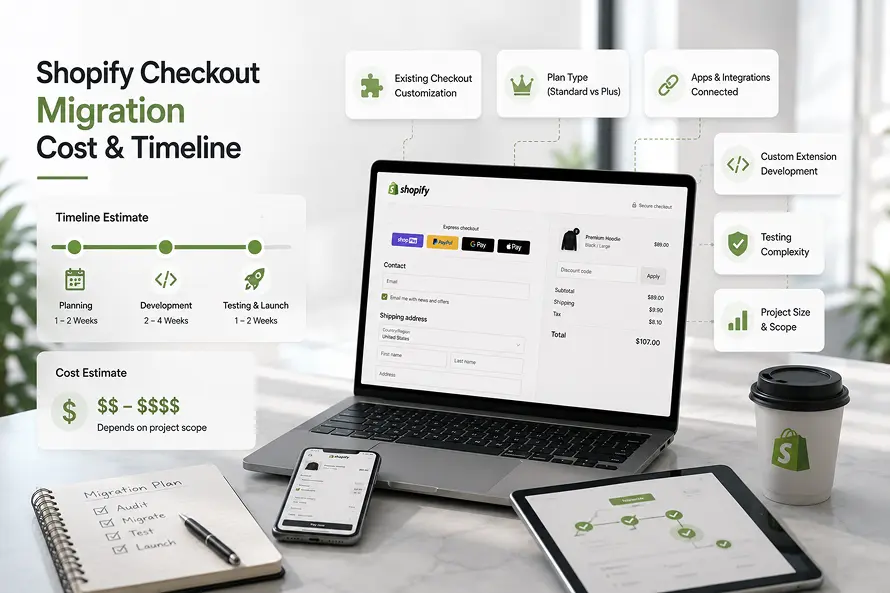
There is no fixed price for Shopify checkout migration, since cost and timeline depend heavily on your store’s specific situation. Several factors influence the final scope:
- How customized your existing legacy checkout migration is
- Whether you are on a standard plan or Shopify Plus
- The number of apps and integrations connected to checkout
- How much custom extension development is required
- The complexity of your testing requirements
- The overall size and scope of the project
A store with minimal customization might complete migration quickly, while a heavily customized checkout with multiple integrations will naturally take longer and require more development work.
Top Shopify Checkout Migration Services: Do You Need Expert Help?
Some stores can handle this migration internally, especially if their checkout customizations are minimal. Others, particularly those with complex discount logic, multiple integrations, or heavy legacy code, benefit from working with experienced Shopify checkout migration services that specialize in Checkout Extensibility.
Working with specialists can shorten the timeline, reduce the risk of tracking or functionality loss, and ensure the new checkout is properly tested before launch.
Get a Free Audit before Shopify Migration
Frequently Asked Questions About Shopify Checkout Migration
What is Shopify checkout migration?
It is the process of moving a store from the old checkout.liquid system to Shopify’s Checkout Extensibility framework.
Is Checkout Extensibility available on all Shopify plans?
Most core features are available on all plans, while some advanced capabilities are limited to Shopify Plus.
Can checkout.liquid code be transferred directly?
No. Old code must be rebuilt using Checkout UI Extensions, Shopify Functions, or compatible apps.
Will checkout migration affect existing orders?
Existing order history is not affected. Migration only changes how new checkouts are processed going forward.
How long does Shopify checkout migration take?
Timelines vary widely based on customization complexity, ranging from a few days to several weeks.
Can custom fields and upsells be retained?
Yes, in most cases, though they typically need to be rebuilt using Checkout Extensibility tools rather than copied directly.
Do tracking pixels need to be migrated?
Yes. Tracking scripts must be moved to Web Pixels to continue functioning correctly.
Is Shopify Plus required?
Not always. It becomes necessary mainly for advanced or highly customized checkout logic.
Get Help With Your Shopify Checkout Migration
Shopify checkout migration is no longer something to postpone. With checkout.liquid already deprecated for key pages, moving to Checkout Extensibility is now a core part of keeping your store secure, fast, and future ready.
Need help migrating your legacy Shopify checkout? We can audit your existing checkout, rebuild custom functionality using Shopify Checkout Extensibility, thoroughly test your checkout, and ensure a smooth migration with minimal business disruption. Reach out to discuss your store’s specific migration needs.